Euler Cluster (5 pts)
Implementation
Added files:
euler/compile.sheuler/run.sh
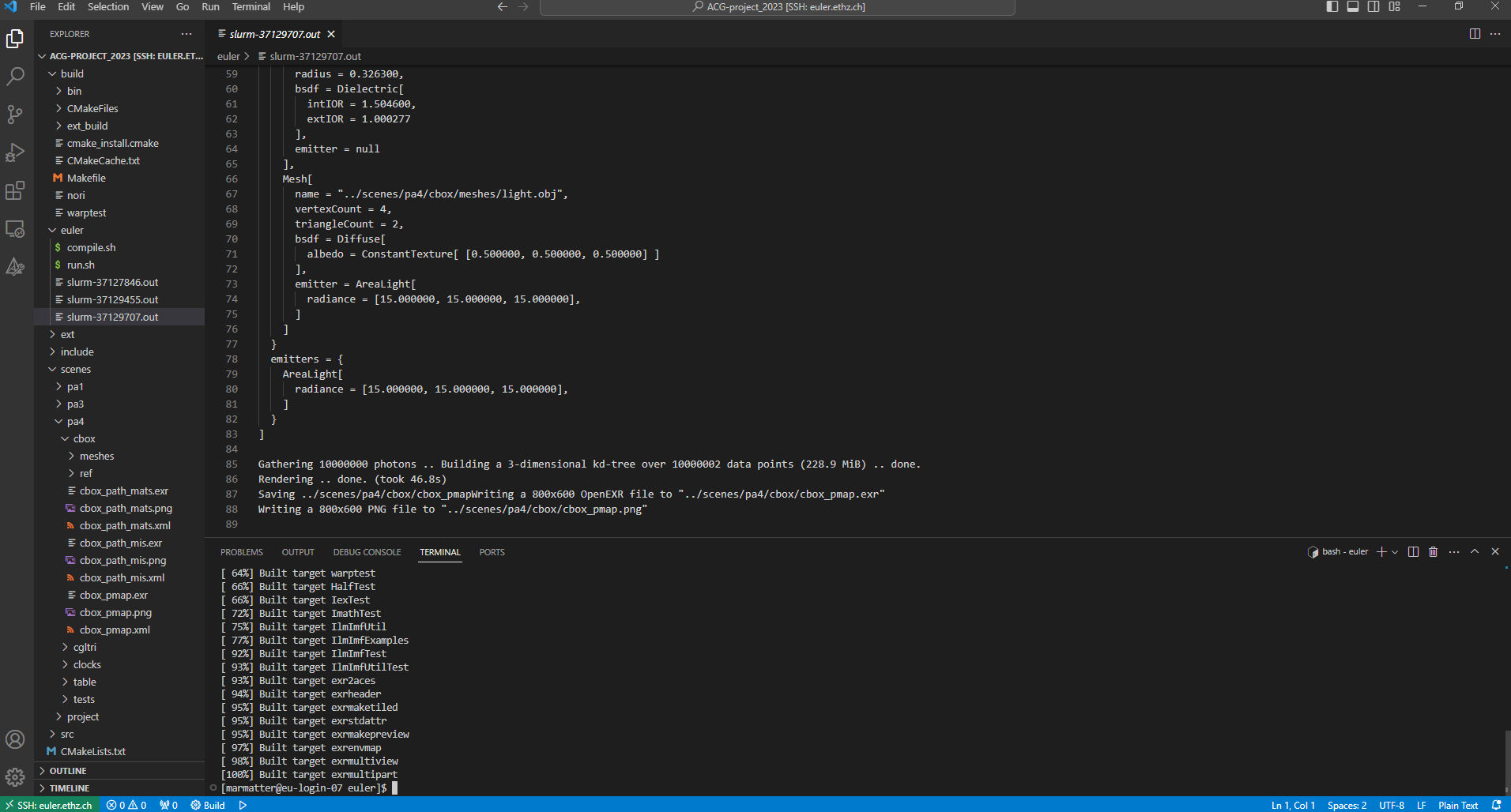
To not have to rely solely on the command line, I used Visual Studio Code together with the Remote-SSH extension to communicate with Euler.
Once you are connected to the Cluster and have uploaded all necessary files, you can compile nori
by navigating to
the euler/ directory and
executing compile.sh.
This script contains all the commands that need to be executed to compile nori on Euler.
In particular, it
makes sure that
nori is compiled with the flags -DCMAKE_BUILD_TYPE=Release and
-DNORI_HEADLESS=ON.
When the compilation is finished, scenes can be rendered by invoking the run.sh
executable. It takes as
an argument the path relative to the scenes/ directory of the scene that should be
rendered.
E.g. ./run.sh pa4/cbox/cbox_path_mis.xml.
Similarly, this script contains all commands that are needed to render a scene using
Eulers sbatch system.
Validation
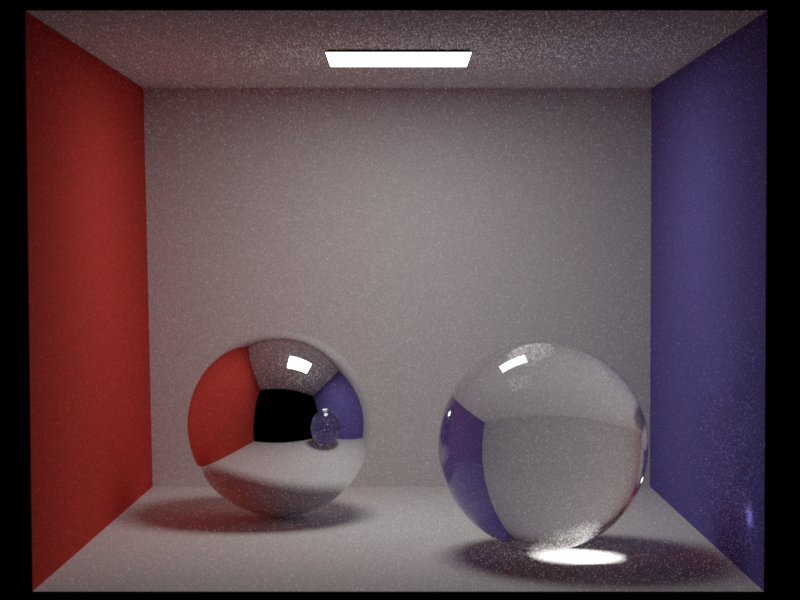
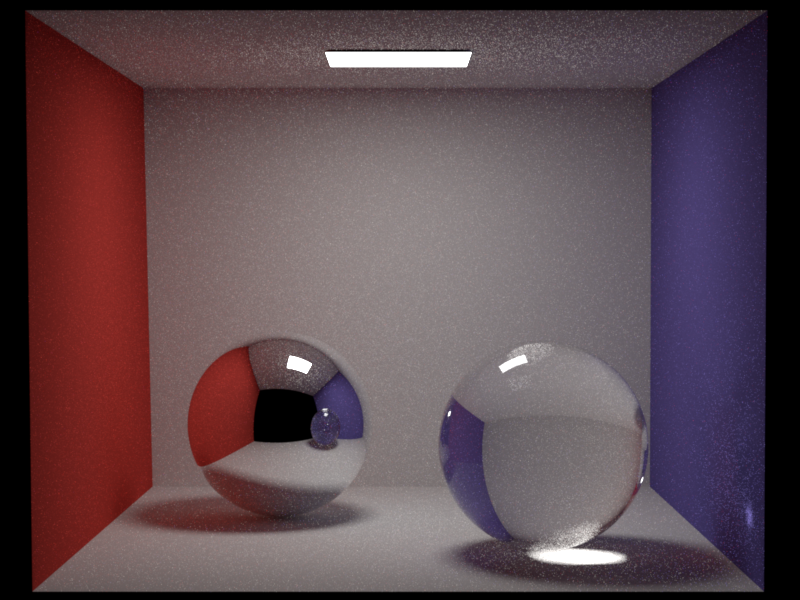
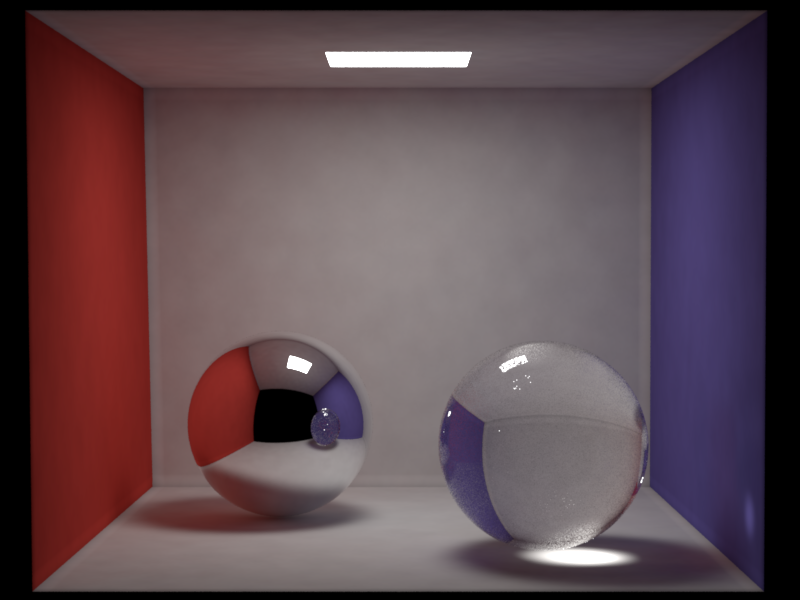
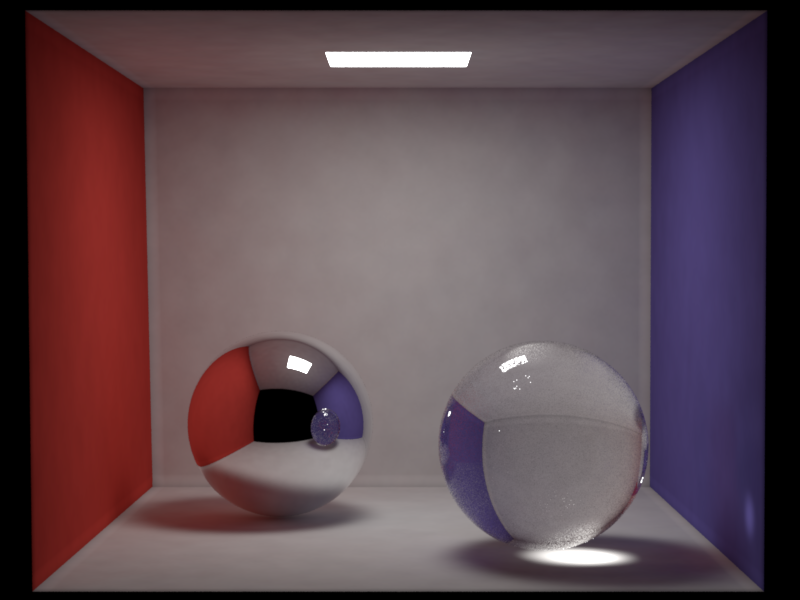
I validate my implementation by comparing two scenes rendered locally to a version rendered on Euler. Additionally, I provide a screenshot of the Visual Studio Code interface showcasing the system in action.
Comparison path_mis:
Comparison pmap:
Visual Studio Code interface: